Voice social network for iPhone
Your friends,
one tap
away.
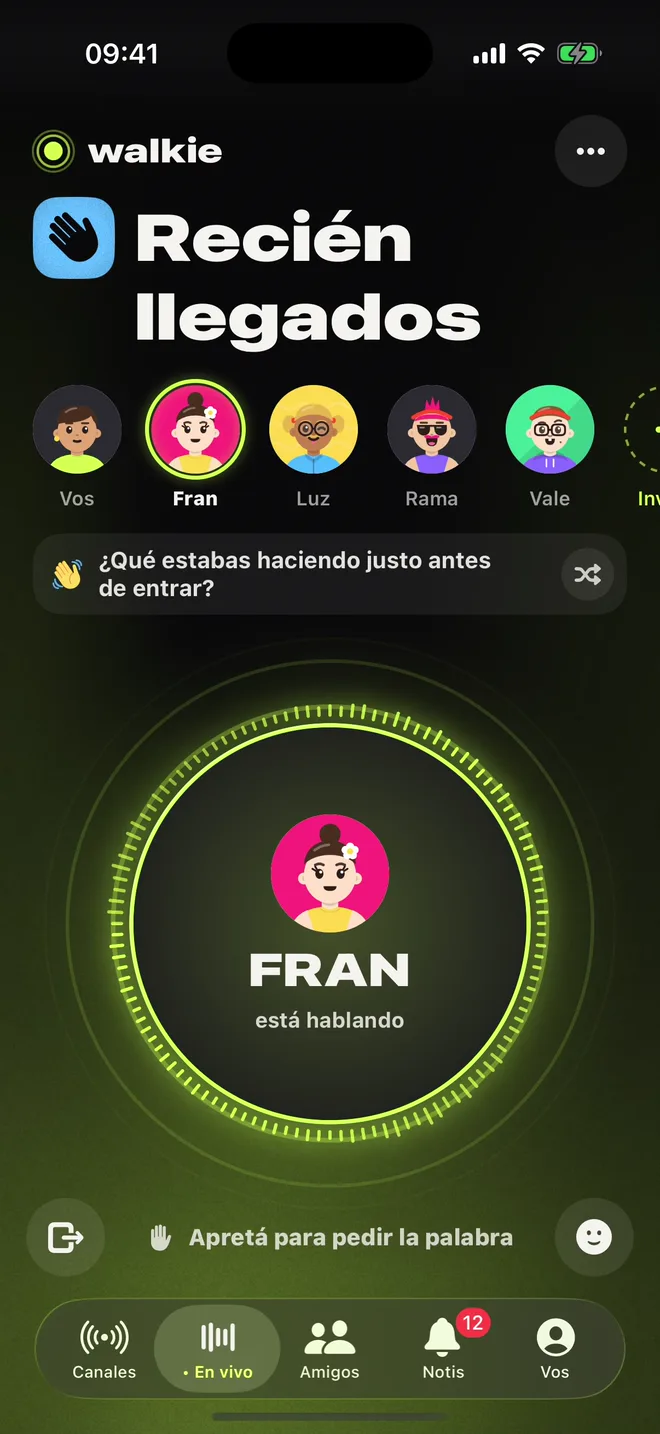
See which friends are around, drop into their channel and talk live, by voice, without calling or sending voice notes. And every night, in the round, meet new people around a new topic.
Free, no ads. iPhone with iOS 17 or later.
What it’s for
For hanging out, even when you’re apart.
Texting means typing, voice notes pile up and a call has to be planned. On Walkie you see who’s around, drop into their channel and talk live, like you were at the same table.
- The barbecue
“Who’s bringing the ice?”
A private channel with the usual crowd. Sorted in ten seconds of voice, not two hundred unread messages.
- The match
“Did you see that goal?”
Everyone at home, all in the same channel. You shout it together, like you’re on the same couch.
- Friends far away
“What time is it there?”
See who’s awake on the other side of the world and drop into their channel. Talk for a while, no call to plan.
- Family
“Mom, I’m on my way.”
A short voice note that reaches her even with the app closed. And if you want to hear her, call.
- The round
“Pineapple on pizza: yes or no?”
Every night, a different topic at the same time for everyone. Listen for a while and, when you’re ready, have your say.
- 3 a.m.
“Anyone else awake?”
Join Night owls and someone is always there. New friends, with a question to get started.
Your friends
Your people, always close.
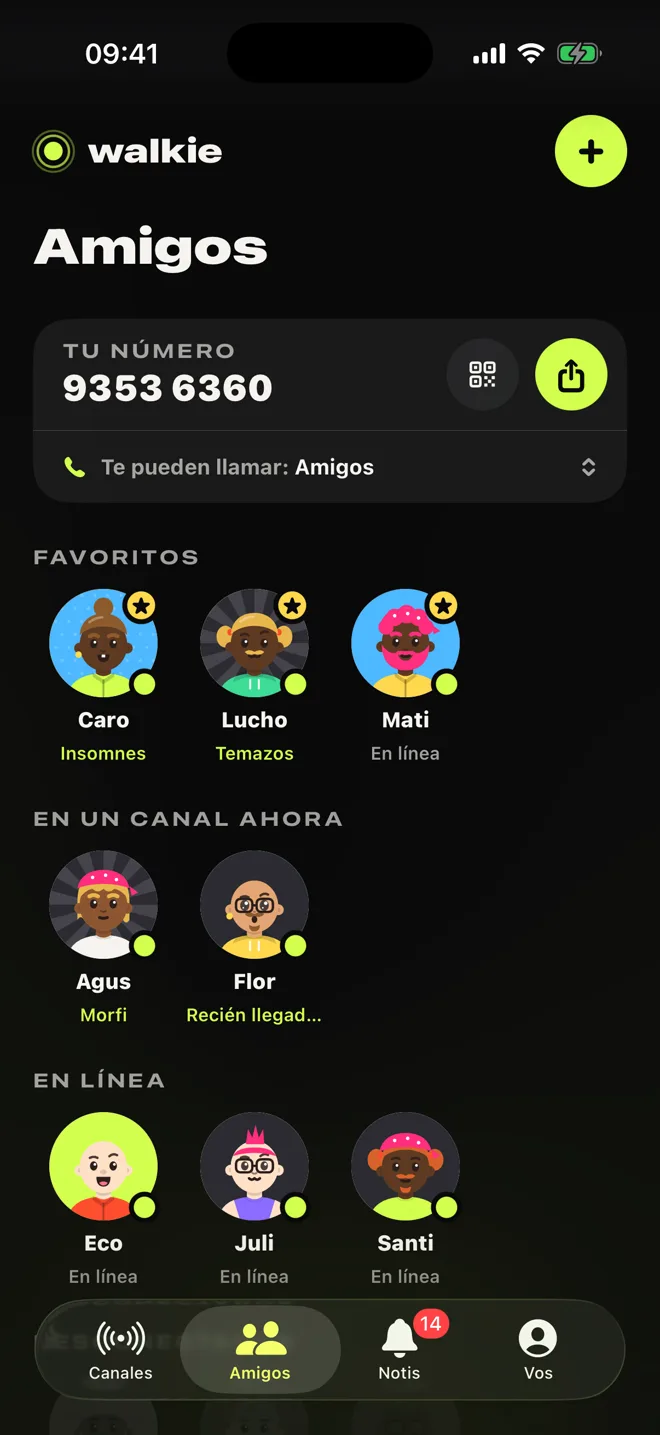
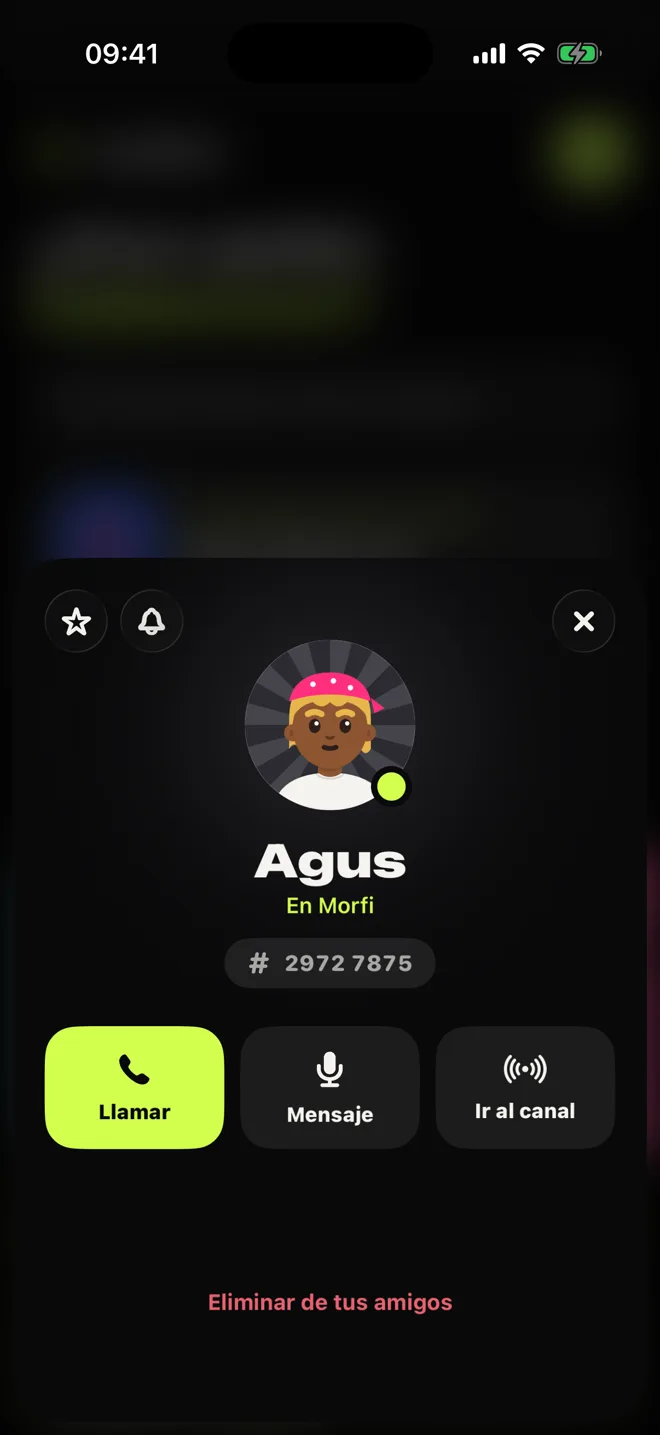
Add your friends with your Walkie number and they’re right there: see who’s online and which channel they’re in, drop in with them, leave a voice note or call.
Your Walkie number
An 8-digit number (not your phone number) and a QR code. Share it with anyone and they add you in a tap.
See where they are
See who’s online and which channel they’re in. Tap to join them there, or invite them to yours.
Voice notes
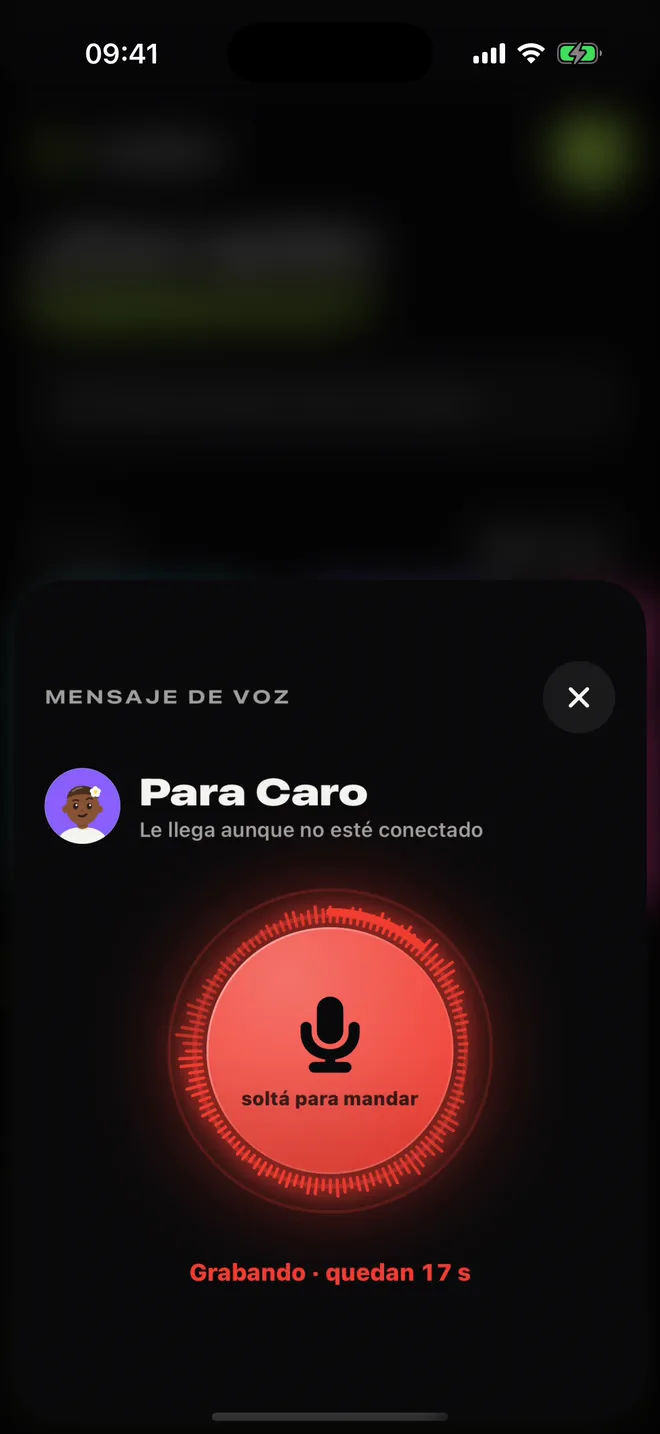
Up to 20 seconds, for when they’re not around. It reaches them even with the app closed, and they can reply with another.
Calls
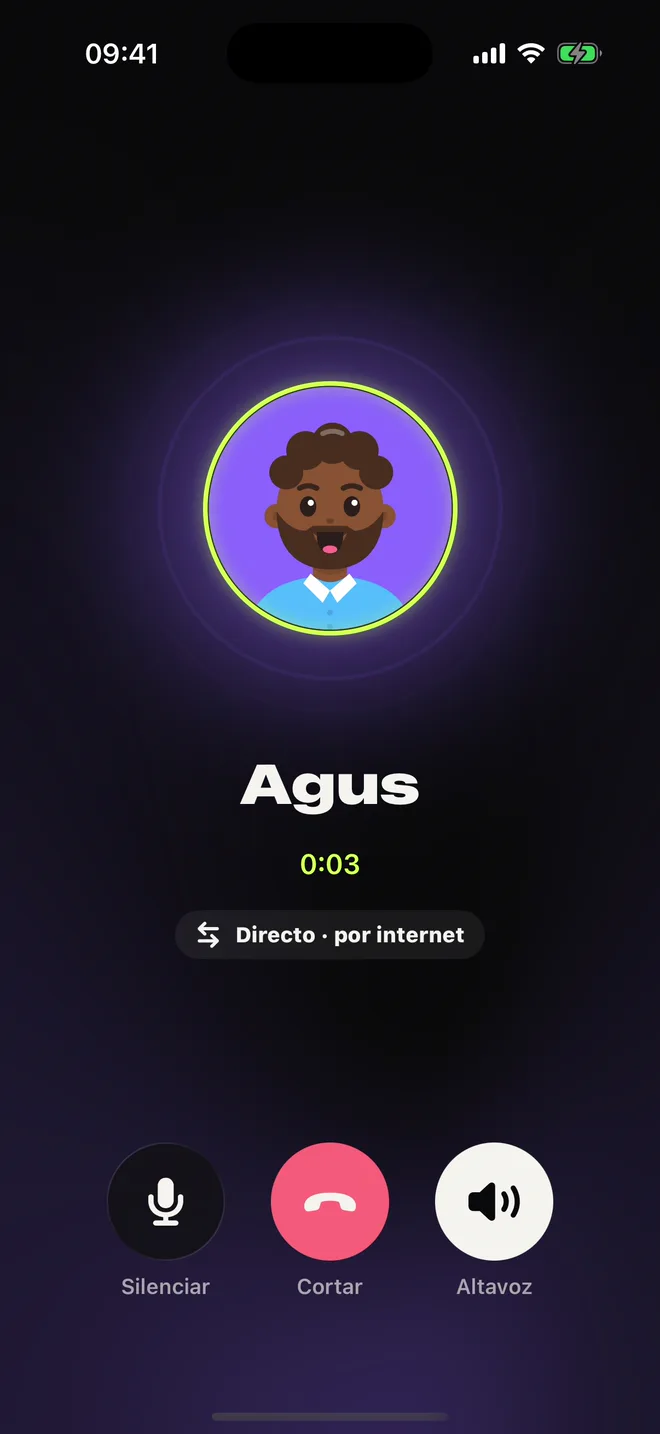
When it takes more than a back and forth, call. Calls go straight from phone to phone, end-to-end encrypted.
Favorites
Yours stay at the top. And you choose who can call you: your friends, favorites only, or no one.
Your avatar
Your face in every channel.
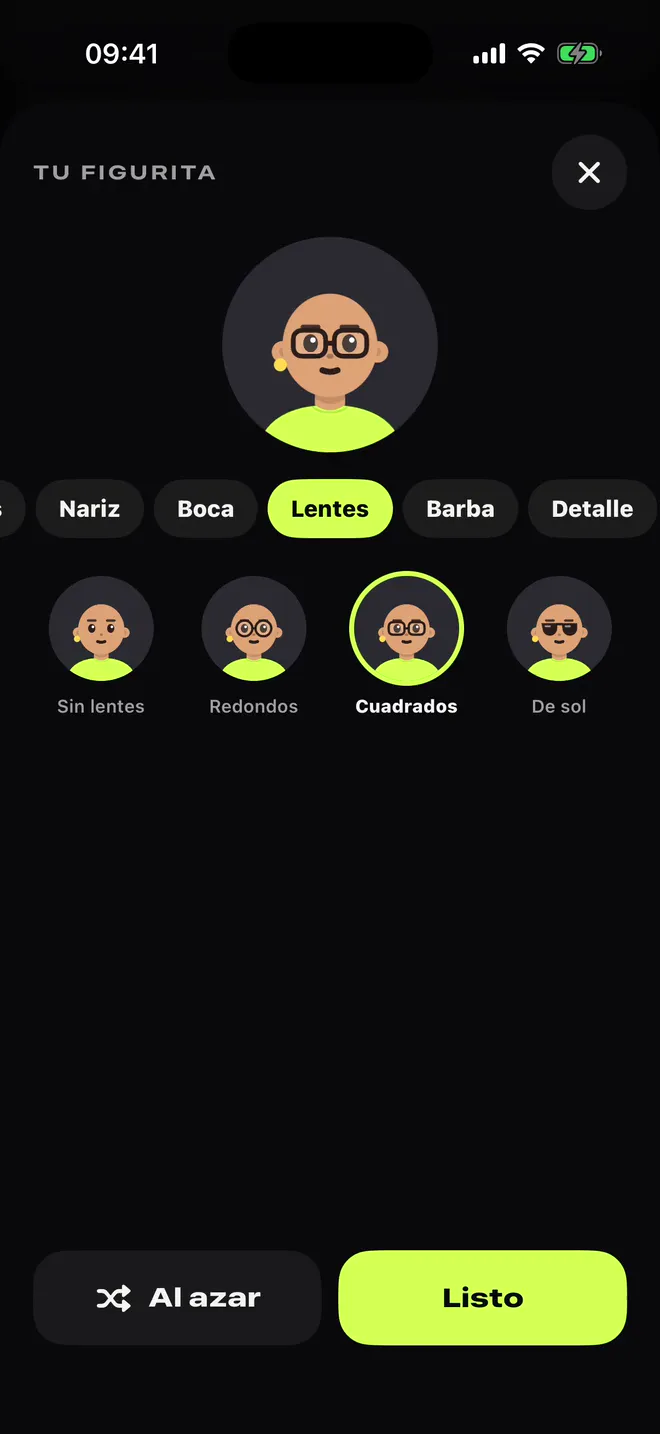
Build your avatar with your hair, your eyes, your style. It’s what your channel sees when you talk, what your friends see, and what shows up in their notifications when you reach out.
It tells you with their face
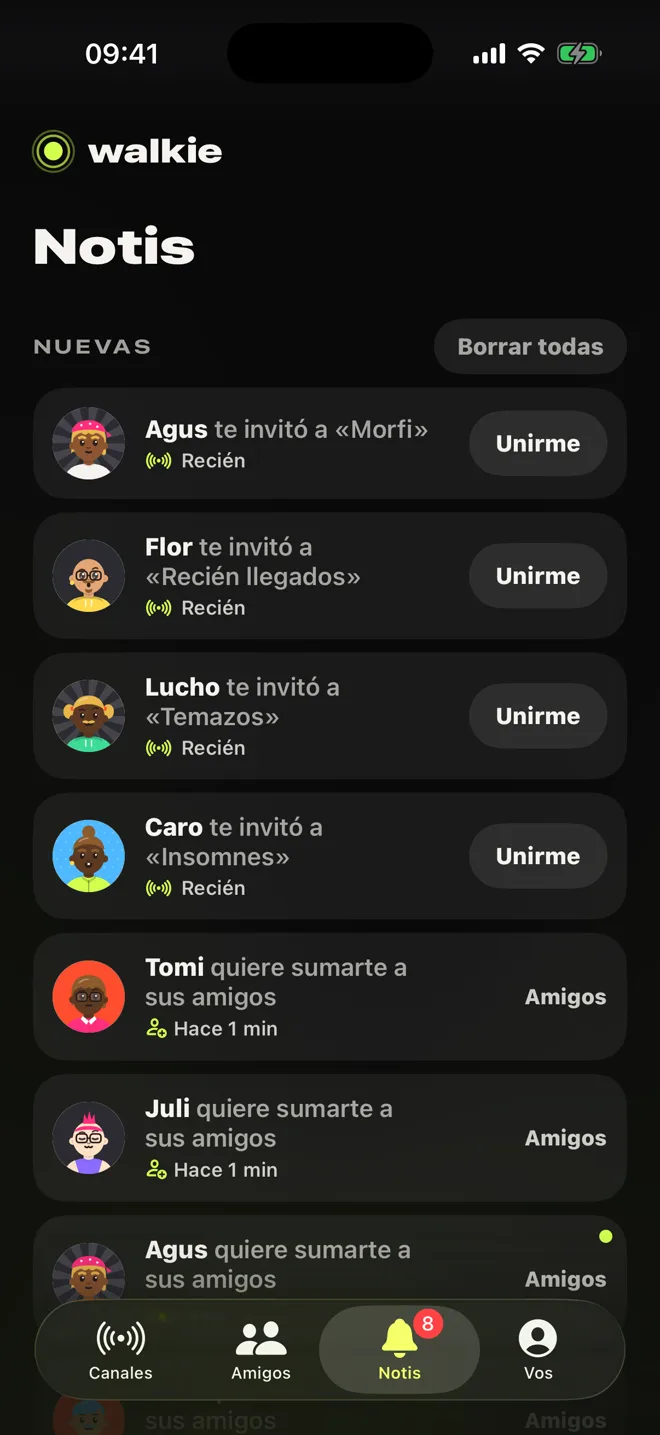
Even with the app closed, you know who’s inviting you, who left you a voice note, who’s calling. And when you want some quiet, you get it.
With the face of who’s looking for you
Every notification comes with that person’s avatar, like a message from them.
Act from the notification
Join the channel, accept a request, play the voice note or call back, right from the notification.
Quiet when you need it
Mute a channel or a person for an hour, eight hours, a week or for good.
What you missed
Join a channel that’s been talking and you hear the last 15 minutes.
Meet people
And if you don’t know anyone, even better.
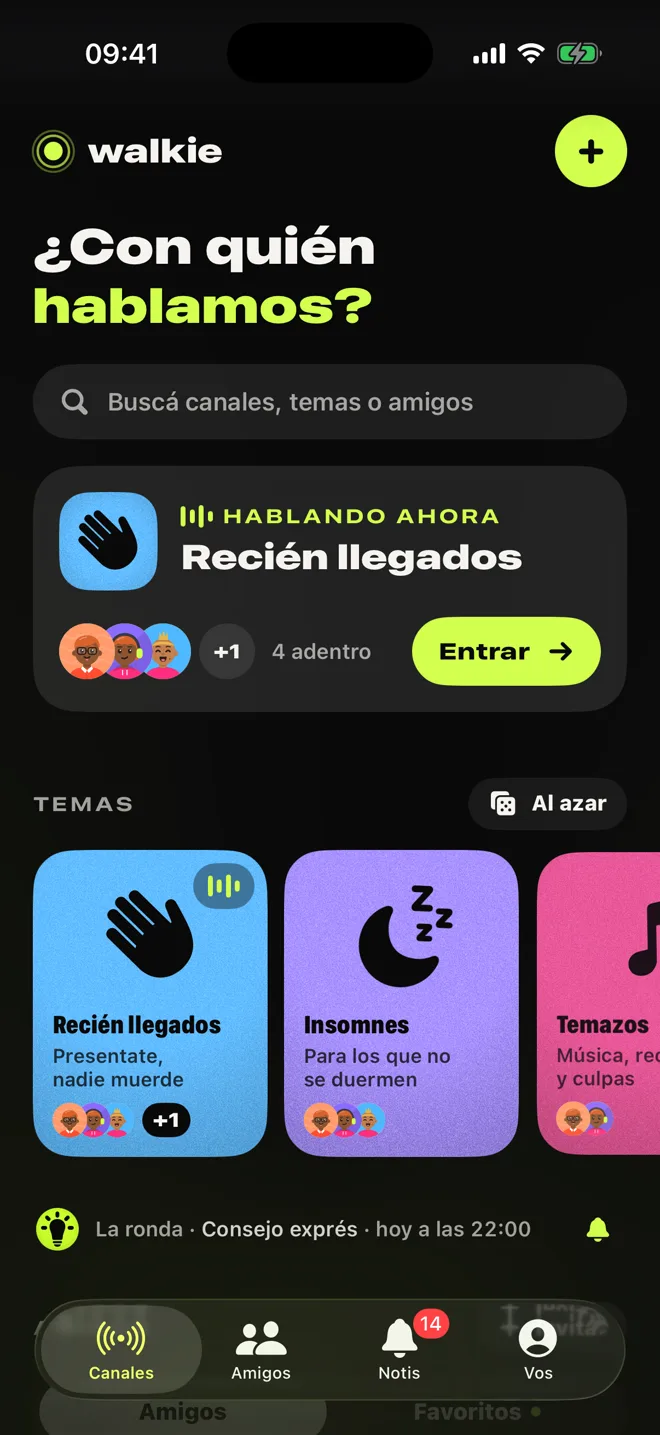
Open topics give you something to talk about: each one has a question of the moment everyone sees, and every night the round brings a new one. Join, listen for a while and, when you’re ready, hold the button.
 Newcomers“Where are you talking from, and what time is it there?”
 Unpopular opinion“Drop your most unpopular opinion. The others vote on how spicy it is.”
 Shows & movies“What are you watching right now?”
 Quick advice“Share a small dilemma you have today. The others decide.”
 Night owls“What’s keeping you up right now?”
 Bangers“What song do you have on repeat this week?”
 Work talk“How’s your work week going? From 1 to 10.”
 Pets“Introduce your pet: name, age and personality.”
 Broken hearts“Tell us about your worst date.”
 Travelers“What’s the best place you’ve ever been?”
 Food talk“Pineapple on pizza: yes or no? Defend it.”
 Gamers“What are you playing right now?”
 Football“Which team do you support, and why do you suffer?”
Icebreaker topics
Open channels for everyone, each with a question of the moment that keeps changing. You never run out of things to say.
The round
Every night, at the same time for everyone, a different topic for an hour. We can remind you 5 minutes before.
Listen before you join
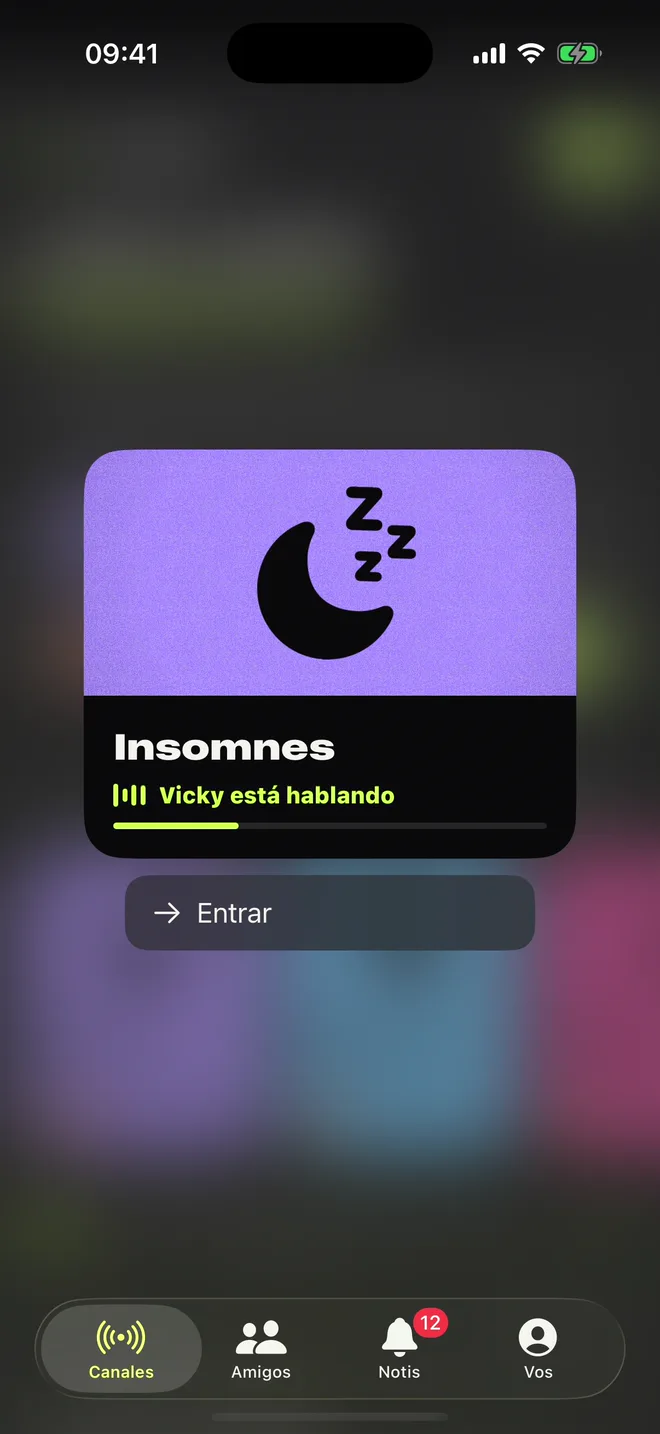
Hold a channel to hear it for a few seconds. If you like what’s being said, join.
At random
One tap and you land in a live channel. For when you feel like talking to anyone.
Your own, private
Give it a name, an emoji and a color. Only people with the code or the link get in.
How it works
Hold, talk, they hear you.
No one has to pick up: what you say reaches everyone in the channel as you say it. One person talks at a time, so everyone gets heard, and every moment has its own sound.
- 1
Join a channel
Your friends’ one, a topic, one that’s live, or a random one.
- 2
Hold and talk
Hold the button and the whole channel hears you as you speak. Let go and it’s someone else’s turn.
- 3
One at a time, everyone listening
If someone is talking, hold to ask for a turn. When it’s yours, the channel waits for you.
Try it: it sounds like the app.
The sounds, to play
Tap one to hear it.
And a few more things
Voice filters
Old radio, robot or echo, for when you feel like playing a character.
Reactions


 while someone else talks, without cutting them off.
Speaker or earpiece
It plays out loud on the speaker, so you can listen with the phone on the table. One tap moves it to the earpiece, to listen in private.
Sounds your way
The sounds have their own volume, apart from the voices.
Without looking at the screen
Phone in your pocket, channel open.
Keep hearing the conversation without the app open, and talk with one button.
Sat Oct 10
9:41
Night owls The office4
From the Lock Screen
The Lock Screen and the Dynamic Island show who’s talking and your other channels. Tap Talk without unlocking.
Action button
On iPhones that have one: press once to go on air, again to stop.
Back Tap
On any iPhone: two taps on the back of the phone and you’re talking.
Siri and headphones
Ask Siri to talk in Walkie, or press play on your headphones.
Privacy
You talk, they hear you, that’s it.
Walkie asks for no more than it needs to connect you.
No email or phone number
Pick a name and you’re in. Sign in with Apple is optional, and you can delete the account in Settings.
Your voice isn’t kept
What’s said in a channel lasts 15 minutes, then it’s deleted. A voice note, 5 minutes after it’s played. Calls don’t go through our server.
Block and report
Tap someone in the channel and choose Block or Report. Whoever made a channel can also mute or remove anyone.
No ads, no tracking
There are no ads or analytics tools, and we don’t sell or share data.
All the details are in the privacy policy.
Questions
What is Walkie?
A voice social network for iPhone. See which friends are around and which channel they’re in, drop in and talk live, by voice, without calling or sending voice notes. And in open topics and the nightly round, meet new people.
How much does it cost?
Nothing. Walkie is free, with no ads or in-app purchases.
Which phones does it work on?
iPhone with iOS 17 or later. The interactive Lock Screen and the Dynamic Island use Live Activities; the Action button is on the iPhones that have one.
What if my friend doesn’t have the app open?
They get a notification with your avatar: if you invited them to a channel, left them a voice note or are calling. From the notification they join, listen or answer.
Can anyone hear me?
In a channel, only the people in it when you talk, or who join in the next 15 minutes. Only people with the code get into a private one. Voice notes and calls are only between friends who added each other.
Why does only one person talk at a time?
So everyone gets heard and no one talks over anyone: while one person talks, the rest listen. If the channel is busy, hold the button and you’re in the queue.
Does it work with the screen off?
Yes. While you’re in a channel, you keep hearing it even with the app closed, and you can talk from the Lock Screen, the Action button, Back Tap or Siri.
Do I need an account?
No. A name is enough. If you sign in with Apple, Walkie doesn’t ask for your email.
How much data does it use?
Very little: voice travels compressed, about 4 KB per second while someone talks. In silence, almost nothing.
Is the app in English?
Yes. Walkie is in English and Spanish and follows your iPhone’s language, topics included.

Who are we talking to?
Download it, add your friends and drop into their channel. Walkie, free for iPhone.
Made in Buenos Aires by SIUX.